How to Automate Onboarding: HR Tools & Step-by-Step Guide
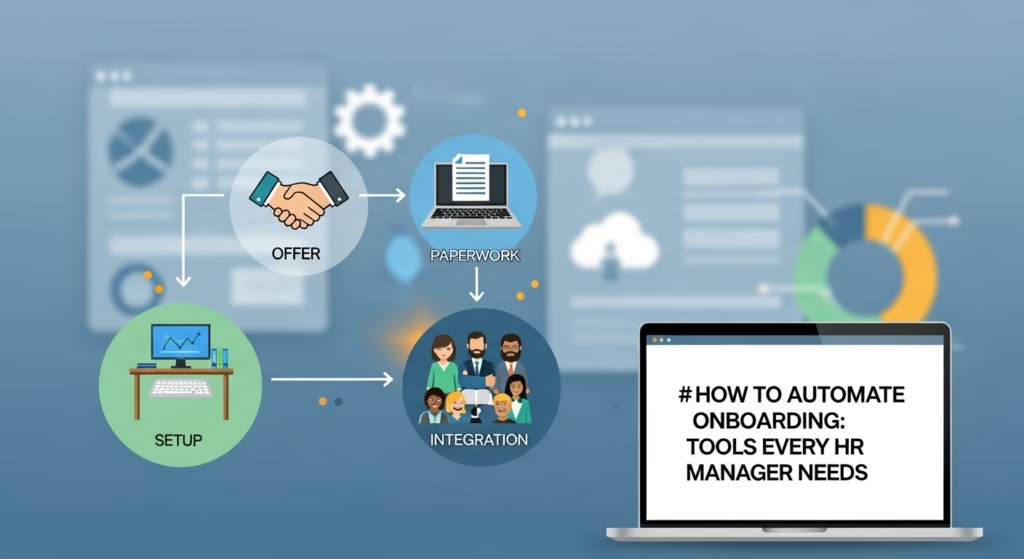
How to Automate Onboarding: Tools Every HR Manager Needs
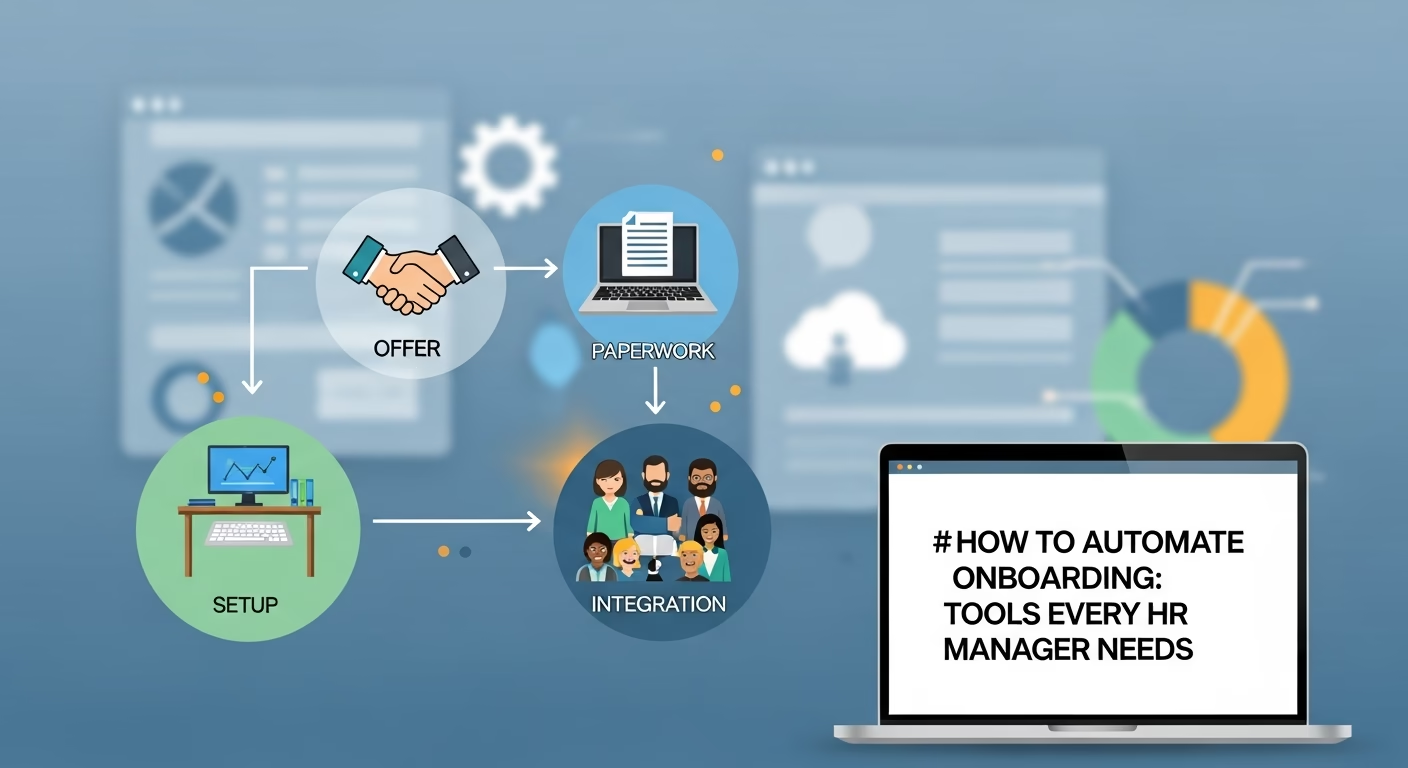
The modern workplace is evolving at a breakneck pace, yet many Human Resources departments remain tethered to manual, paper-heavy onboarding processes that drain resources and dampen the new hire experience. In an era where the “war for talent” is won not just by the offer letter but by the first ninety days of employment, the decision to automate onboarding is no longer a luxury—it is a strategic necessity. As we navigate skills-based careers and the new digital economy, the efficiency of your internal systems directly reflects your company’s technical maturity and cultural health.
According to research by the Brandon Hall Group, organizations with a strong onboarding process improve new hire retention by 82% and productivity by over 70%. Despite this, many companies still struggle with disjointed workflows that leave new employees feeling isolated and confused. Automating these touchpoints ensures consistency, compliance, and connection. This guide provides a comprehensive, step-by-step roadmap for HR managers to transition from manual chaos to automated excellence.
Why Manual Onboarding Fails the Modern Workforce
Before diving into the tools, it is essential to understand the “cost of friction.” Manual onboarding is characterized by duplicate data entry, missing documents, and delayed hardware delivery. For a new hire, this translates to a “Day One” spent waiting for an IT password rather than contributing to their team. For the HR manager, it means hours of administrative drudge work that could be spent on strategic talent development.
The digitalization of the employee experience is no longer optional. Modern employees expect the same seamless, digital-first interactions at work that they experience as consumers. When your onboarding process feels like a relic of the 1990s, you risk losing top-tier talent to competitors who have embraced a more agile, automated approach.
Step 1: Implement AI-Powered Personalization for Targeted Onboarding Paths
One-size-fits-all onboarding is a primary driver of early turnover. When a senior software engineer receives the same orientation checklist as a junior sales representative, the lack of relevance creates immediate disengagement. To solve this, HR managers must move beyond static checklists to dynamic, AI-driven workflows that adapt to the individual.
The Strategy: Moving from Static to Dynamic
Traditional onboarding often involves a massive PDF or a generic portal. Automation allows you to create “branching” paths. By leveraging AI, the system recognizes the hire’s department, seniority level, and location to curate a bespoke experience. This ensures that a remote hire in Berlin receives different hardware instructions and cultural nuances than an in-office hire in New York.
How to Automate:
- Logic-Based Workflows: Utilize tools to build “if-this-then-that” sequences. For example, if a hire is designated as “Remote,” the system automatically triggers a shipping workflow for hardware and a virtual “coffee chat” invite with a remote-work mentor.
- Behavioral Triggers: Deploy AI to monitor engagement. If a new hire has not accessed their “Company Culture” module within 48 hours, the system can send a personalized nudge via Slack or Microsoft Teams. This removes the need for HR to manually track progress.
- Predictive Learning Pathing: Platforms use AI to suggest training modules based on the hire’s resume data or LinkedIn profile. This ensures the learning path is relevant to their specific expertise level, preventing them from sitting through redundant training.
Essential Tools:
- Enboarder: This platform focuses on “experience-driven” workflows. It prioritizes the human side of onboarding by using automation to prompt managers to reach out to new hires at the perfect moment.
- Sapling (by Kallidus): Specialized in data-driven transitions, Sapling is excellent for global team orchestration, ensuring that local labor laws and regional cultural activities are automatically integrated into the hire’s timeline.
Step 2: Create Automated Pre-boarding Workflows to Engage Hires Before Day One
The period between the signed offer and the first day is often a “black hole” of communication. This is a high-risk zone for “new hire ghosting,” where candidates accept a counter-offer or simply lose interest. SHRM estimates that turnover costs can range from six to nine months of an employee’s salary. Pre-boarding automation mitigates this risk by maintaining momentum and handling administrative “red tape” before the employee even clocks in.
The Strategy: Building Brand Affinity Early
The goal of pre-boarding is to make Day One about “connection,” not “paperwork.” By automating the collection of tax forms, banking details, and policy acknowledgments, the employee arrives on their first day ready to meet the team rather than staring at a stack of forms. This shift is a key component of modernizing the workplace, as highlighted in Gartner’s research on the digitalization of the employee experience.
How to Automate:
- The “Welcome” Sequence: Automate a 3–5 part communication series delivered via email or a dedicated app. This should include a video message from the CEO, digital bios of the immediate team, and “What to expect on Monday” logistics.
- Hardware and Access Provisioning: Manual IT requests are a major bottleneck. Integrate your HRIS with IT management tools. Upon offer acceptance, the system should automatically order, image, and ship a laptop to the hire’s home.
- Culture Kits: Use automated gifting platforms to trigger a “swag kit” delivery (hoodies, notebooks, coffee mugs) immediately upon offer acceptance. This builds brand affinity before the official start date.
Essential Tools:
- Firstbase: This tool automates the entire lifecycle of physical equipment, from procurement and deployment to retrieval when an employee eventually leaves.
- Applauz: An automated recognition system that allows teams to send “welcome points” or badges to new hires before they start, fostering an immediate sense of belonging.
Step 3: Synchronize HR Tech Stacks via Automated API Integrations
Data silos are the primary cause of onboarding friction. When HR has to manually copy data from an Applicant Tracking System (ATS) to a Payroll system, and then to a Learning Management System (LMS), errors are inevitable. Automation via APIs ensures that data flows seamlessly across the employee lifecycle, reducing administrative time by up to 40 hours per month for mid-sized firms.
The Strategy: The “Golden Record” of Employee Data
Every piece of information collected during the recruitment phase should be preserved. If a candidate lists expertise in specific coding languages, that data should automatically trigger an enrollment in specialized training. This synchronization is particularly important when managing complex payroll for diverse teams, such as when selecting the best payroll software for startups with independent contractors.
How to Automate:
- ATS to HRIS Sync: Utilize middleware like Zapier or Workato to connect your ATS to your HRIS. When a candidate is marked “Hired,” their profile is instantly created in the payroll and HR systems, including their salary, job title, and direct manager.
- LMS Auto-Enrollment: Link your HRIS to your Learning Management System. When a hire is tagged with the department “Marketing,” the automation engine should automatically enroll them in department-specific courses such as “Brand Voice 101.”
- Identity Management: Automate the creation of Google Workspace, Slack, or Microsoft 365 accounts using Okta or Azure AD. This ensures “Day One” access to all necessary software.
Essential Tools:
- Workato: An enterprise-grade automation platform designed for complex, multi-step HR workflows that require deep security and scalability.
- Tray.io: A low-code automation platform that is particularly effective for connecting disparate HR SaaS tools that may not have native integrations.
Step 4: Streamline Compliance with Automated Digital Document Systems
Manual document tracking is not only slow; it is a liability. Missing signatures on I-9 forms or non-disclosure agreements can lead to massive fines. Automating compliance ensures 100% adherence to federal and state regulations while providing a professional, paperless experience for the new hire.
The Strategy: Error-Proofing the Legal Process
Automated document management systems use “required fields” and “logic checks” to ensure no form is submitted incomplete. This takes the “policing” role away from HR and places it on the system, which is far more consistent. This structural efficiency is a cornerstone of SHRM’s industry-standard guide to understanding employee onboarding, which emphasizes the importance of administrative accuracy in the early stages of employment.
How to Automate:
- Template Automation: Create standardized offer letters, NDAs, and employee handbooks in an e-signature platform. Use “merge tags” to pull salary, title, and start date data directly from your ATS. This eliminates the “copy-paste” errors that often lead to embarrassing mistakes.
- Automated Reminders: Configure the system to send daily automated reminders to hires with outstanding documents. These nudges can be escalated to the hiring manager if documents aren’t signed within a set timeframe.
- Secure Routing and Storage: Once signed, documents should be automatically routed to an encrypted folder in the employee’s digital file within the HRIS. This maintains a clear audit trail for legal and tax purposes.
Essential Tools:
- DocuSign for HR: Offers specialized templates and workflows for high-volume hiring environments, including “PowerForms” for self-service document completion.
- Dropbox Sign (formerly HelloSign): Known for its simplified user interface, it provides seamless integration with cloud storage and is often preferred by smaller HR teams for its ease of use.
Step 5: Deploy Automated Pulse Surveys to Measure and Optimize Employee Experience
The final step in a world-class automated onboarding process is the feedback loop. Many HR managers assume that if a hire hasn’t quit by Day 30, the onboarding was a success. However, hidden frustrations often simmer until the six-month mark. Automation allows HR to collect real-time feedback at critical milestones without adding to their daily task list.
The Strategy: The “Continuous Improvement” Loop
By setting up automated pulse surveys, you can identify trends before they become turnover statistics. For instance, if data shows that a significant portion of new hires in a specific department feel they didn’t receive enough training on internal tools, HR can intervene and update the automated learning path for future hires.
How to Automate:
- Scheduled Feedback Loops: Set automated surveys to deploy at the end of the first day, first week, and first month. Use an Employee Net Promoter Score (eNPS) question: “On a scale of 1-10, how likely are you to recommend this company to a friend based on your first week?”
- Negative Sentiment Alerts: This is a “fail-safe” for HR. If a new hire submits a score below a certain threshold, the system should automatically alert the HR Business Partner and the hiring manager to schedule a check-in immediately.
- Dashboard Aggregation: Use analytics platforms to aggregate survey data into heatmaps. This allows HR to see if specific departments or managers consistently produce lower satisfaction scores, pinpointing where more manager training may be needed.
Essential Tools:
- Culture Amp: Offers advanced analytics specifically for the “New Hire Experience.” Their platform uses benchmarks to show how your onboarding compares to industry standards.
- Lattice: This tool integrates onboarding feedback directly into the ongoing performance management cycle, ensuring that the insights gained during the first 90 days inform the employee’s development.
The Human Element of Automation
While the tools and strategies outlined above provide the framework for a high-efficiency onboarding machine, the ultimate goal of automation is to free up HR professionals to focus on the human side of the business. By automating the administrative “drudge work”—the emails, the data entry, the document tracking—HR managers can spend more time on high-impact activities like culture building, mentorship, and strategic talent development.
Effective onboarding is not just about a signed contract and a working laptop; it is about making a new hire feel like they made the best career decision of their life. When you automate the process, you ensure that every hire, regardless of their location or department, receives a warm, professional, and organized welcome. In the long run, this investment in technology pays dividends in the form of higher engagement, lower turnover, and a more resilient organizational culture.